skip to content

Application library

Give your next question a working app.

Install an editable app for an investigation or recurring review. Inspect its data requirements, calculations, and actions, then adapt it to your work.

Choose a working starting point.

6 applications

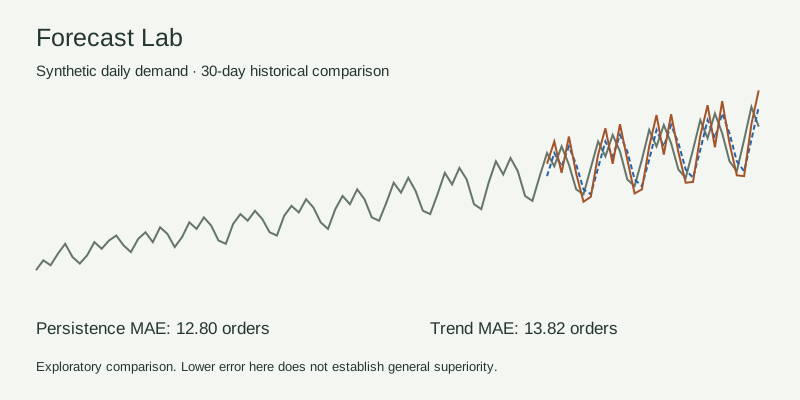
Observed synthetic daily demand and two historical forecast baselines
Synthetic sample · two executable baselines and a chronological holdout.

Data science in practice

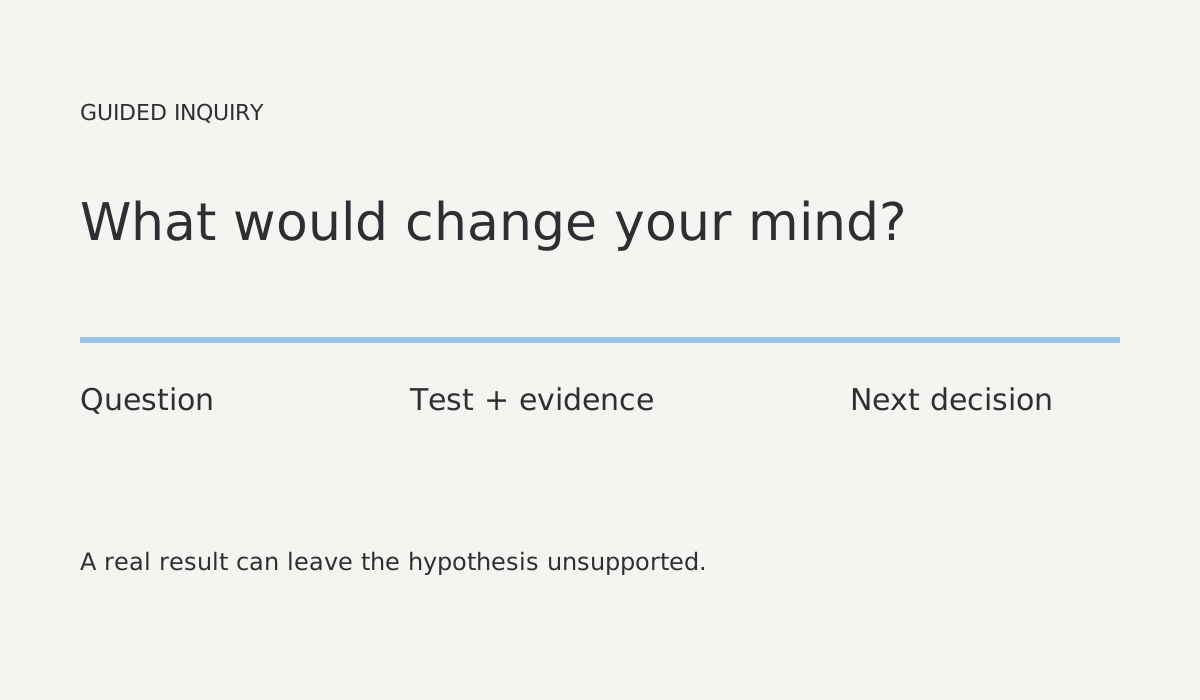
Forecast Lab

An interactive investigation with exact inputs, executable methods and saved results.

Compare simple demand forecasts, inspect assumptions and preserve the result.

Forecast Lab App
1
Comparison, data and finding Actions
3
Synthetic input File
1
Revisioned findings and dataset settings
1
Includes one synthetic input File and one revisioned finding/settings table. Installation creates no analysis executions or schedules. Forecast scores describe this sample only.
Inspect package
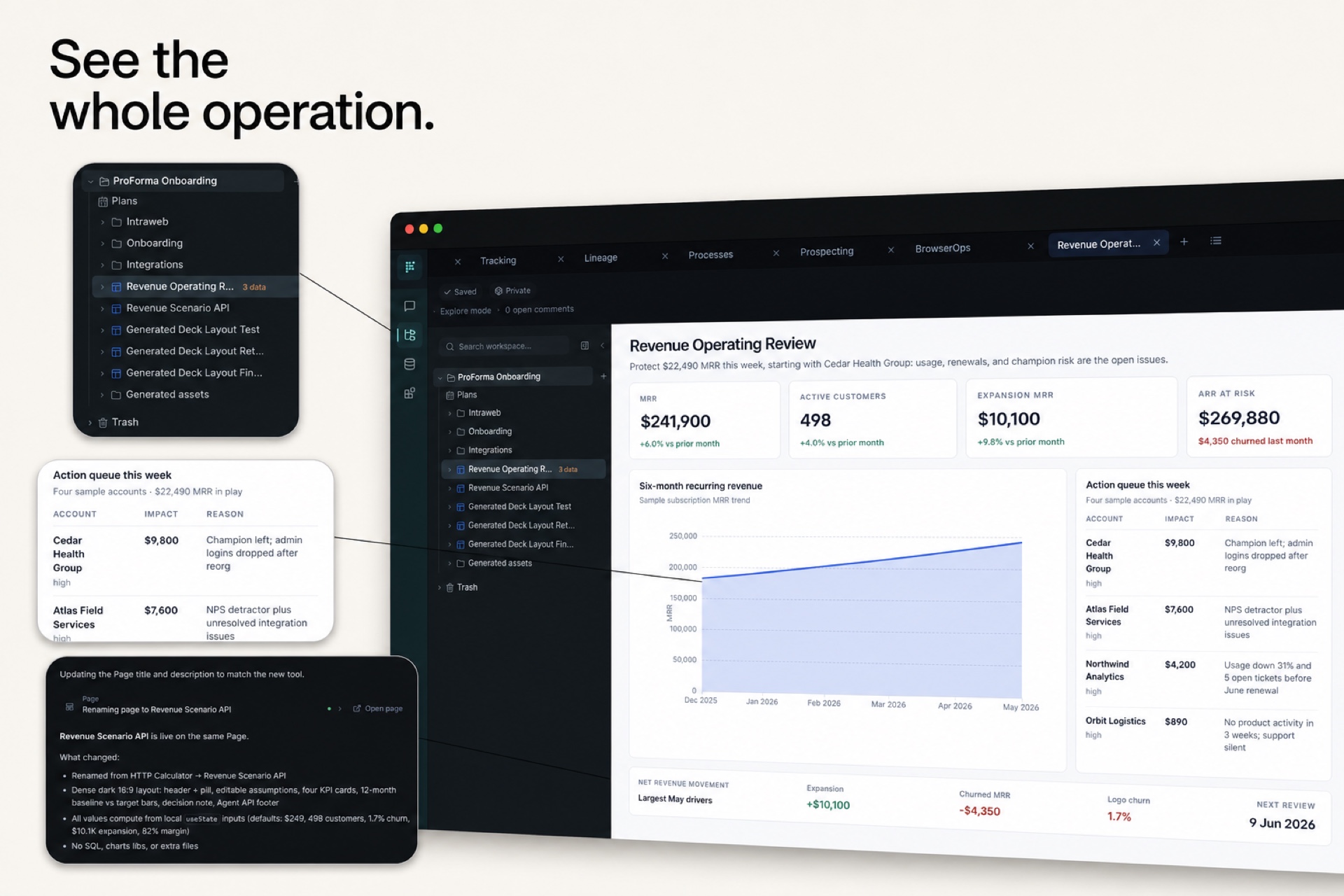
Sample Proforma revenue operating review with callouts for its project tree, action queue, and agent revision history
Synthetic sample data · customer health, account priorities, and the review trail in one app.

Revenue operations

Revenue & Customer Health

Know which customers put recurring revenue at risk, why their health changed, and where an owner should focus next.

Unify account, subscription, product-usage, and support signals into one weekly operating view.

Synthetic operating Sources
4
Trusted health and revenue Models
2
Revenue command App
1
Weekly review Action
1
Metric definitions
1
Preview and installed starter rows are synthetic. Replace the four sample Sources with your CRM, billing, product, and support data.
Inspect package
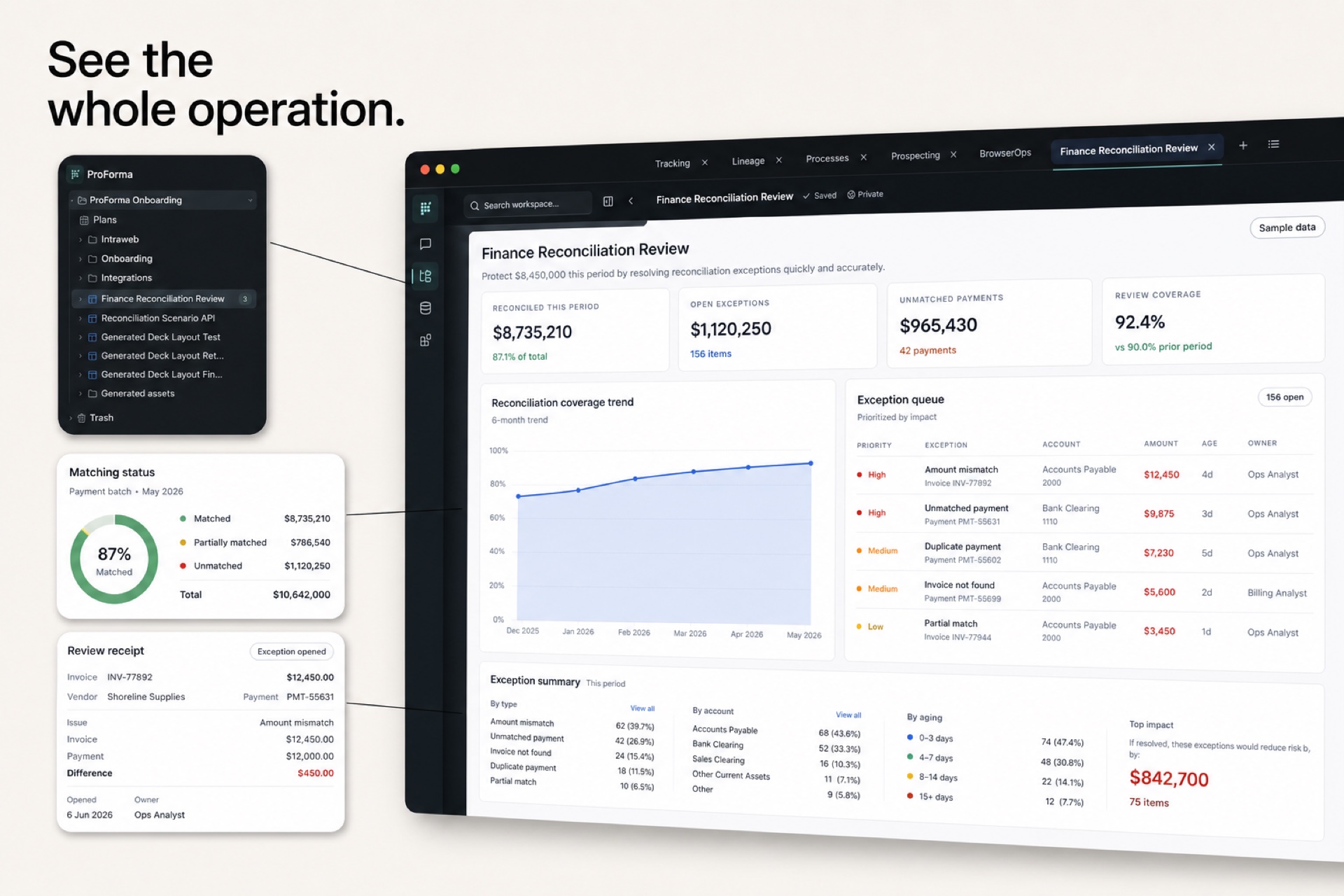
Sample Proforma finance reconciliation review with matching status, exception queue, and review receipt callouts
Synthetic sample data · matching coverage, prioritized exceptions, and a durable review receipt.

Finance operations

Finance Reconciliation

Spend review time on unmatched and mismatched entries instead of manually comparing two exports line by line.

Compare bank activity with the general ledger, surface exceptions, and prepare a reviewable close queue.

Synthetic finance Sources
2
Reconciliation and close Models
2
Reconciliation App
1
Exception review Action
1
Close policy
1
Preview and installed starter rows are synthetic and contain no real bank or ledger data. Replace them with approved exports or connected Sources.
Inspect package
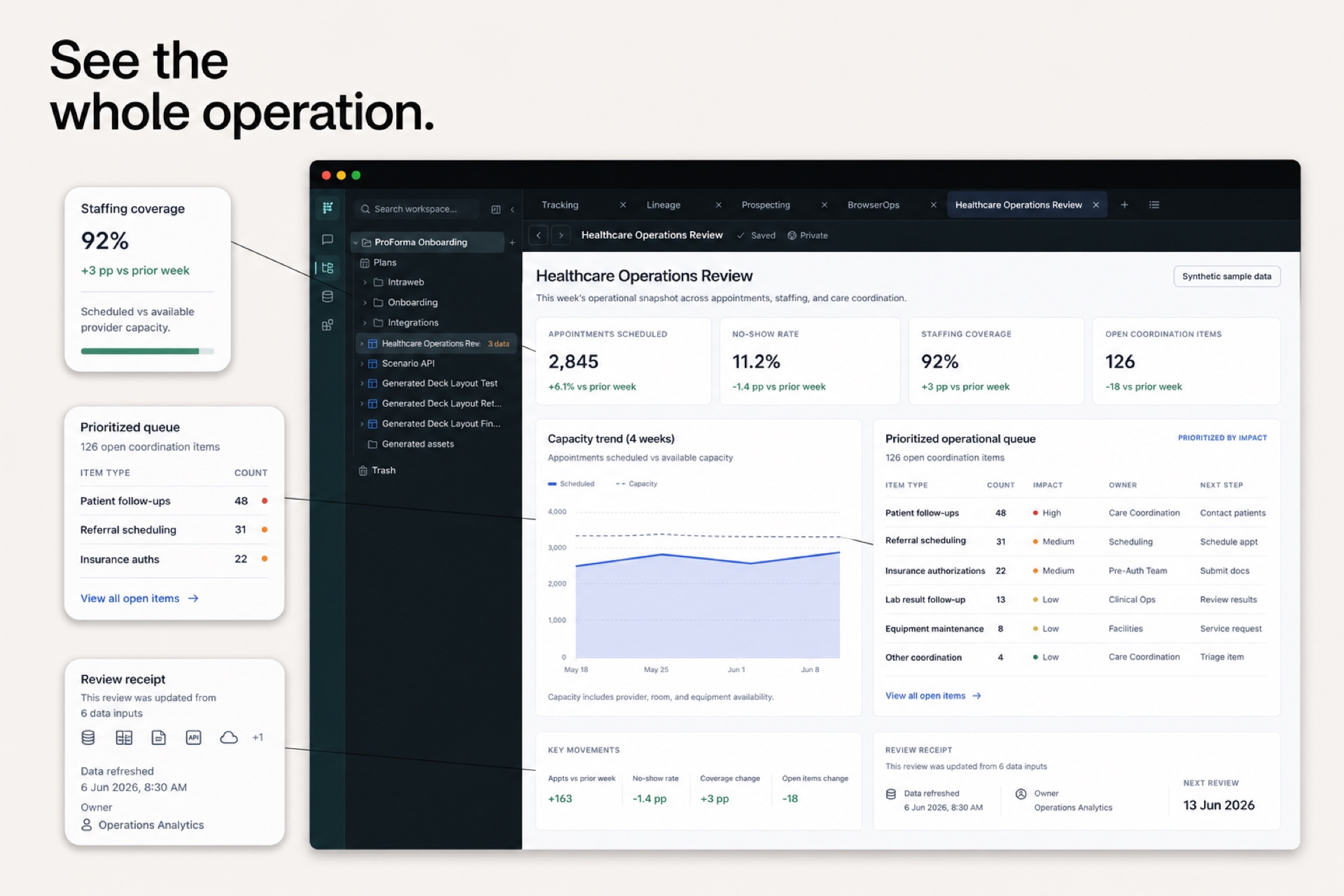
Sample Proforma healthcare operations review with aggregate staffing, capacity, and coordination queue callouts and no patient data
Synthetic aggregate data · staffing, capacity, and coordination signals without patient records or PHI.

Cross-functional operations

Healthcare Operations

Give operators a shared view of launch blockers, authorization pressure, claims aging, and the work queue behind each metric.

Bring provider readiness, clinic capacity, and revenue-cycle signals into one leadership operating system.

Synthetic operations Sources
3
Leadership and action-queue Models
2
Operations command App
1
Operating review Action
1
Operating definitions
1
Preview and installed starter rows are synthetic aggregates. They contain no patient records, PHI, clinical notes, or real provider identities.
Inspect package

Know the starting point

Each app explains its inputs: your own records, disclosed sample data, or live public observations. Review what it needs before you begin.

Stays editable

Apps, files, data models, and automations remain editable in your workspace. Keep developing the app as you learn.

Installs explicitly

Sign in, review the package, and choose Install. Nothing runs or connects automatically.