Exact agent prompt
Read https://proformalabs.ai/skill.md and help me get started with Proforma.

Here is an optional starting point I selected. Treat it as context, not a finished brief:
If I have already supplied a question, inspect the available evidence and begin. Otherwise, start by asking what I want to understand, test or improve. If I am unsure, get to know my role and current work. Ask one simple question at a time and do not assume I have a defined problem or know what Proforma should build. Reflect back what you learn, suggest a few relevant ways Proforma could help, and let me choose a useful first step before building anything. Then identify the available evidence and a method that fits the question: investigation, scenario analysis or an experiment. Keep assumptions, observations and conclusions distinct. Do not assume a tax, industry or specialist workflow unless I choose it.

1. Start with the discovery-first conversation in the skill. Do not assume the selected starting point is the right problem. Learn who I am, what I am responsible for, what I am working on, and where I might want help. Ask one simple question at a time.
2. Reflect back what you learn and suggest no more than three concrete ways Proforma could help. Let me choose or revise the first step. Do not request access while we are still figuring that out.
3. After I choose and approve a direction, read https://proformalabs.ai/llms.txt. Inspect https://app.proformalabs.ai/v1 and its linked OpenAPI document. Treat them as the authority only for routes mounted under /v1. Read https://app.proformalabs.ai/api/agent as the live compatibility job map for context, catalog, data, automations, tracking, runs, and their required scopes.
4. Start the installation-free device authorization flow with POST https://app.proformalabs.ai/v1/auth/device. Capture the response privately, then show me only verificationUrlComplete and the matching userCode so I can approve access. Request only the access needed for the agreed first step. Persist deviceCode and every bearer token in protected credential storage without echoing them into chat or command output.
5. Poll POST https://app.proformalabs.ai/v1/auth/token no faster than pollAfterSeconds. After approval, verify GET https://app.proformalabs.ai/v1/session before reading or writing.
6. Use HTTPS directly. Reuse existing work, use ETags and idempotency keys for writes, and build the smallest useful first version. Direct v1 authoring supports ordinary Files and complete Pages; follow the links in https://app.proformalabs.ai/api/agent for other granted compatibility capabilities.
7. Return every available resource.links.app URL and durable receipt so I can inspect the finished work in Proforma.
How the connection works
Talk first. Connect only when there is a reason.
Nothing to install. Once you choose a first step, your agent gives you a link and short code. Sign in, choose a Workspace, and approve only the access it needs. You can disconnect it at any time.
- 01agent
Gets to know you Asks one simple question at a time. No access needed.
- 02agent
Suggests a first step Reflects what it heard and gives you a few options.
- 03you
Approve the connection Sign in and approve only the access that step needs.
- 04agent
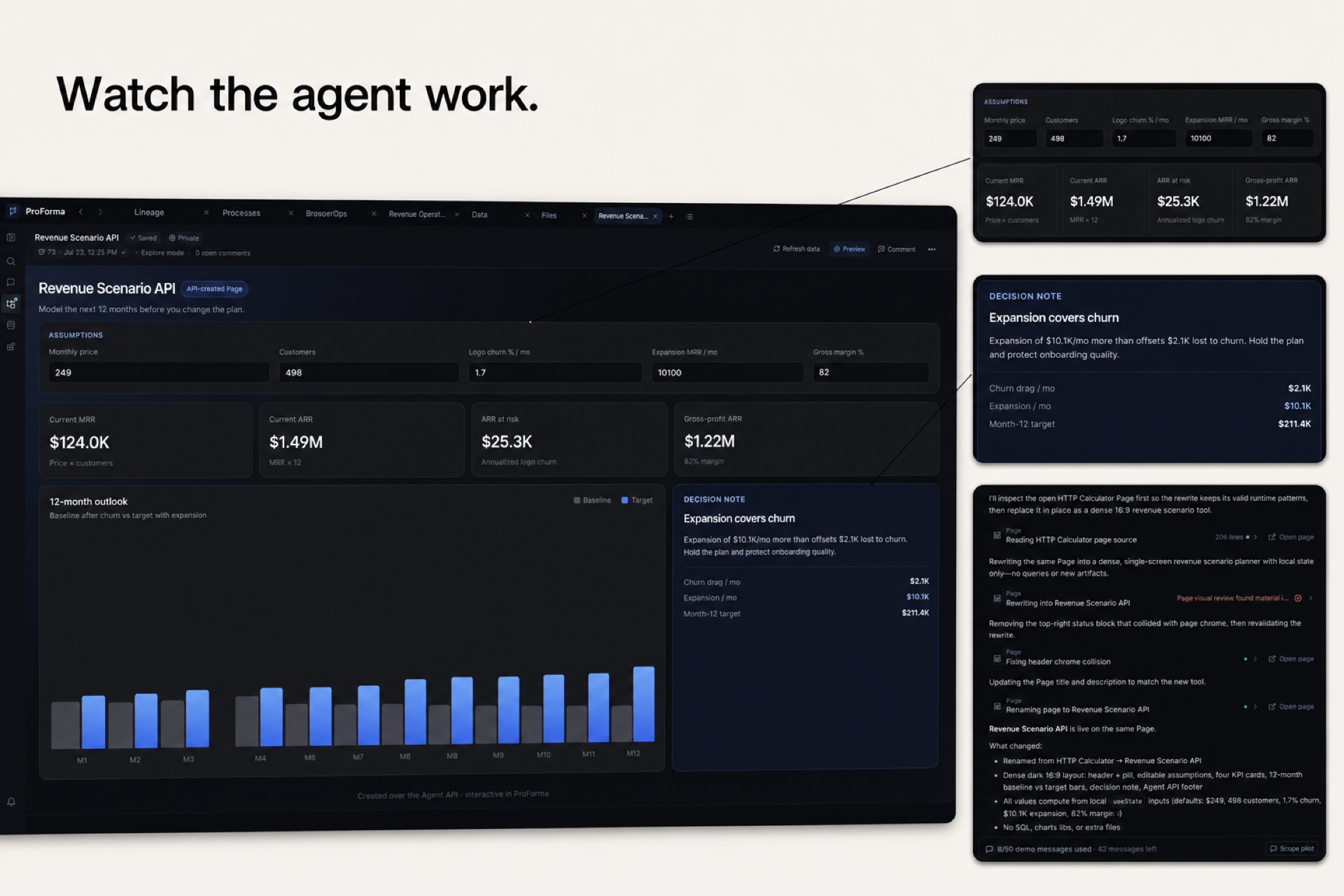
Builds the first version Does the agreed work and returns a Proforma link.
What the agent can do
Files and Pages
Create and update durable work with version history and links people can open.
Data and operations
Find approved data, run queries, use automations, and configure tracking when you allow it.
Ways to connect
Use HTTP directly, prfm for shell commands, or MCP for approved workspace context.